
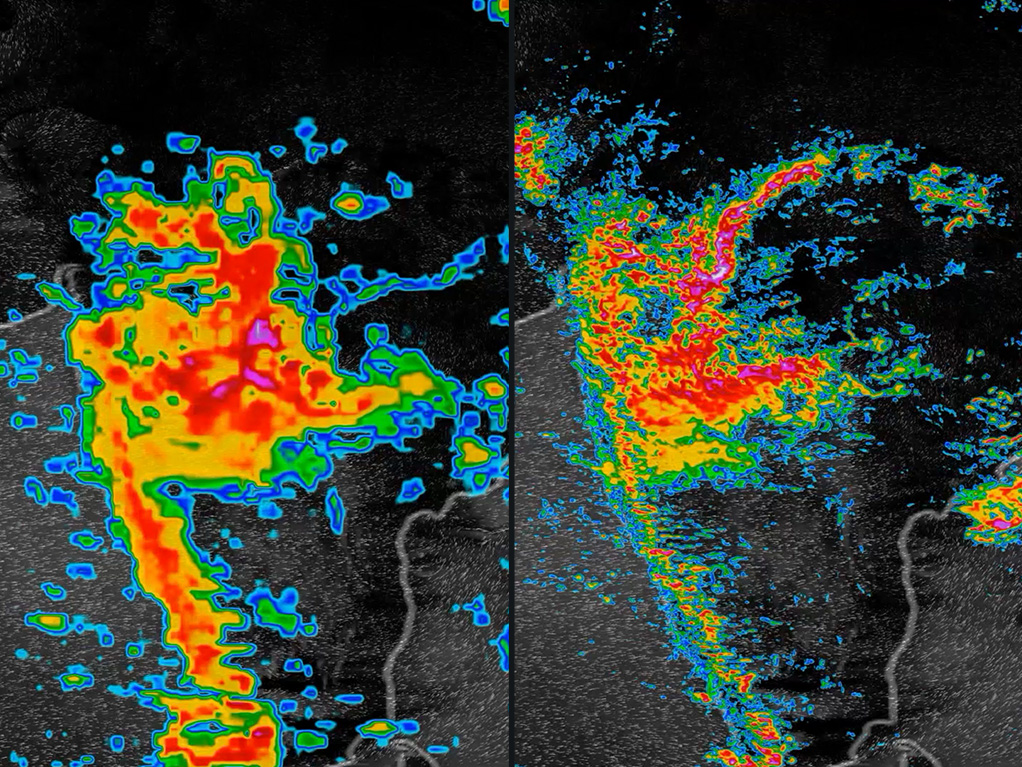
AI in weather forecasting, prediction and communication
Continue reading


Advertising solutions that harness the power of Mother Nature
Personalized, predictive, and privacy-forward marketing strategies that drive brand engagement and growth.
Much like our physical climate, the advertising ecosystem is facing accelerative winds of change. Now’s the time to evolve your marketing strategy to change with it. We can help.

Enter Weather: The Original Influencer
Consciously or subconsciously, weather influences every aspect and decision of people’s lives–how we feel, what we try, and what we buy. As consumer sentiment shifts and brands are called to deliver tangible value rather than relying on loyalty to retain market share, those who tap into weather’s immense impact on consumer behavior, purchasing and emotion will prevail.
Weather’s impact on consumers
Nothing else impacts every person and business on the planet as consistently as weather. Over 360 million people a month, across 178 countries, rely on The Weather Channel app and weather.com to stay safe and informed.1
0%
of women change their personal care or beauty routines as the weather changes2
$0B
in estimated ecommerce sales in the US in 2023 were influenced by weather–more than Cyber Monday3


0%+
of people adjust their health and wellness routines with the weather4
Revolutionizing the advertising industry
Privacy-forward signal
Weather data is privacy-forward, contextual, scaled signal that creates a unique alternative to third-party cookies and identifiers. Proven to drive consumer behavior and engagement, weather allows marketers to create and sustain personalized connections–all while prioritizing the consumer experience and protecting their privacy.
The Weather Channel and beyond
Whether you’re tapping into the rich environments or engaged audiences on The Weather Channels digital media properties or scaling your message across the advertising ecosystem, The Weather Company lets you be as impactful and pervasive as the weather itself. So go ahead…uncover new audience insights, tailor customer experiences, and exceed media objectives. We’ll be there to support every KPI.
Advertising solutions
Weather Targeting
Weather Targeting enables marketers to build a weather strategy that personalizes messages without using traditional identifiers–telling their stories at the most relevant moment, in near-real time, across zip codes experiencing the optimal mix of conditions that influence consumer behaviors.
Resources

Audience Targeting
Adventure seekers. Pet lovers. World travelers. New parents. Weather plays a large part in every person’s life regardless of their interests. With a user base of 360M+, we sit on a trove of first-party data that segments our audience so marketers can connect with the people that matter most. Our privacy-forward and performant targeting solutions combine weather, AI technology, and consumer insights to deeply understand consumers, as we enter this next era of digital media.
Resources

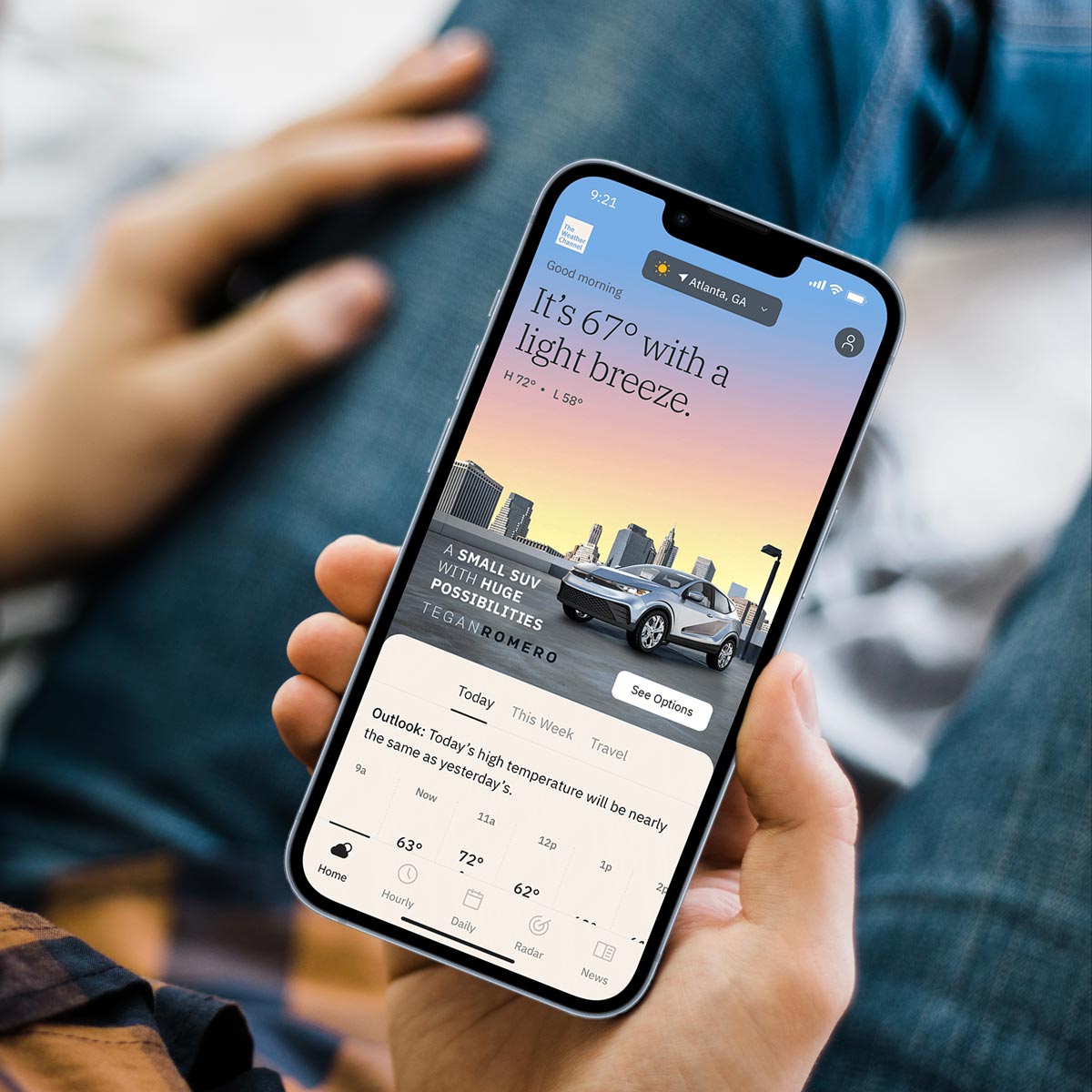
Premium Ad Formats
Bring a brand ethos to life and convert attention to action through powerful storytelling capabilities on The Weather Channel digital media properties and across the advertising ecosystem. By combining the influential power of weather with high-impact creative, our premium ad portfolio is proven to drive awareness and purchase consideration with hundreds of millions of people everywhere, and anywhere your audience is.
Resources
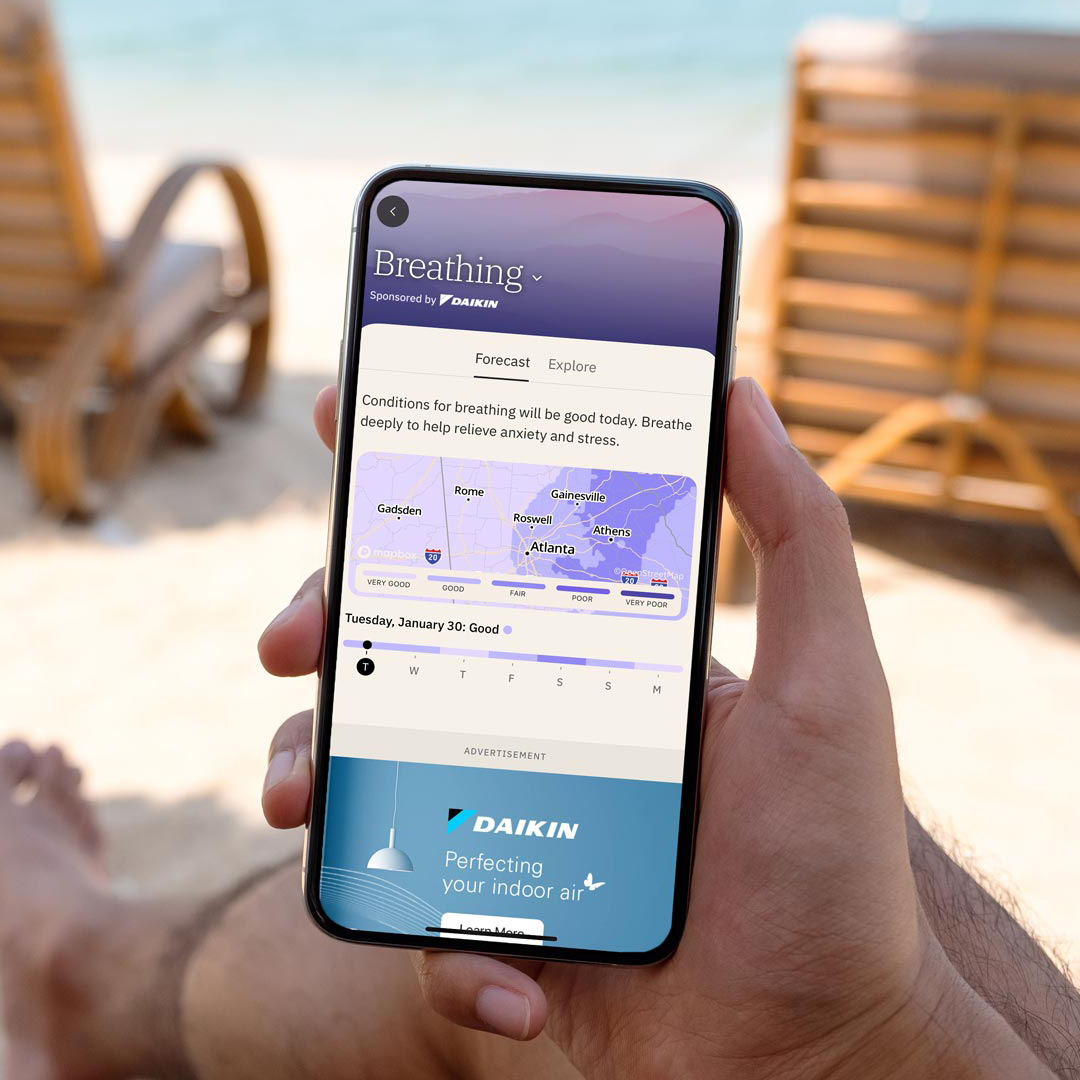
Sponsorships
Sponsorships across The Weather Channel app and weather.com boost full funnel brand metrics alongside personalized and action-oriented tools for all our users. We put weather into action to give your audience information and insights that help them ultimately live healthier, happier, safer, and smarter.
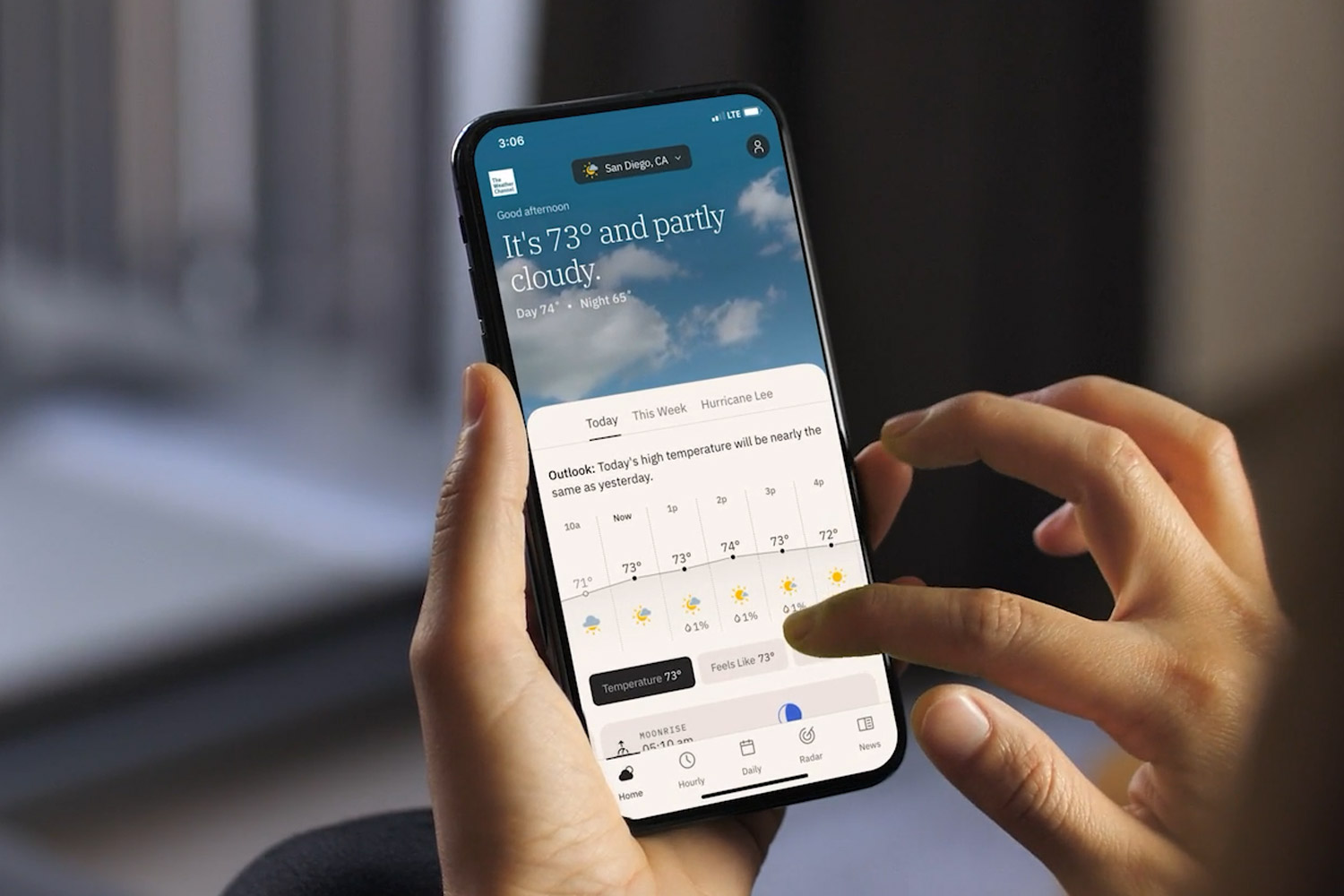
Conversations
Unlock the power of 1:1 brand-to-customer, digital interactions with personalized, AI-powered conversational marketing, virtually anywhere and at scale. Our award-winning solution creates memorable and engaging brand interactions by using AI to grasp user intent and offer answers, recommendations, and optimize the consumer journey throughout the funnel.
Resources

Meet the Rainmakers
Savvy brands are already tapping into weather for a competitive edge in the impending post-cookie future.
Success stories

McCormick builds brand excitement by spicing up its creative
The leading spice maker increased brand favorability and awareness by serving high-impact ads when weather inspired people to fire up the grill.
%
lift in unaided brand awareness
x
higher improvement in unaided brand awareness vs industry benchmark


CVS sponsorship of Flu Insights Tracker on The Weather Channel app
CVS reaches 42 million consumers in moments that matter with Flu Insights Tracker.
M+
unique visitors
%+
internal benchmark CTR for dynamic creative ad units


e.l.f.’s glow storm campaign delivers thunderous results
The cosmetics brand drove viral buzz by using weather-driven creative to position its products as reliable in any condition.
%
in brand awareness among women age 25-43
%
lift in purchase intent through sunny day creative


STIHL’s powerful tool for social influence
A global leader of power tools leverages weather’s influence to foster brand interactions and product consideration on social media.
%
increase in time spent on website year over year
%
increase in video completion rates year over year

Further reading
Check out our executive thought leadership in Adweek.
The Art and Science of Weather-wise Marketing
Despite a forecast of continued marketing disruption, one thing remains constant: weather’s influence on consumers.
Read moreHey Marketers – What’s your 2024 Weather Strategy?
Innovative marketers will capitalize on weather’s proven impact on consumer behavior and purchasing habits.
Read moreRelated resources




Let’s talk
What’s your weather strategy? To learn more about harnessing the power of weather to increase engagement and drive growth, contact our advertising experts today.
Contact UsMore industries we serve




1 According to Comscore, The Weather Channel was the largest provider of weather forecasts worldwide (web and app) in 2022 based on the average of the total monthly unique visitors. Comscore Media Metrix®, Worldwide Rollup Media Trend, News/Information – Weather category incl. The [M] Weather Channel, The, Jan-Dec. 2022 avg
2 The Weather Company Personal Care & Beauty Survey, Aug 2022
3 Adobe Digital Economy Index 2023
4 The Weather Company Aches and Pains Survey, 2023